灯台の見守り — Lighthouse's Vigil
灯台の見守り— Lighthouse's Vigil
Made for Ludum Dare 59. Theme: "Signal".
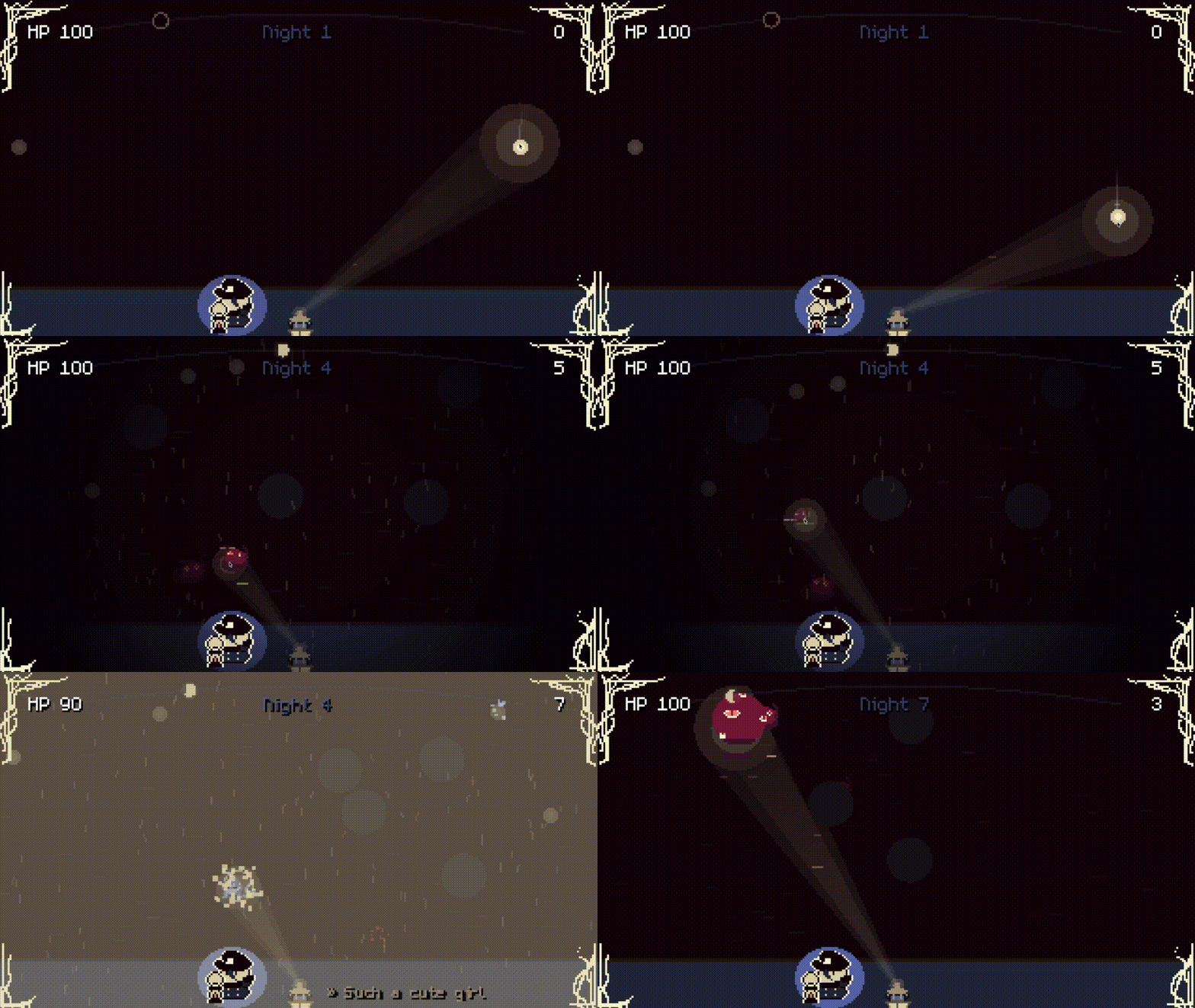
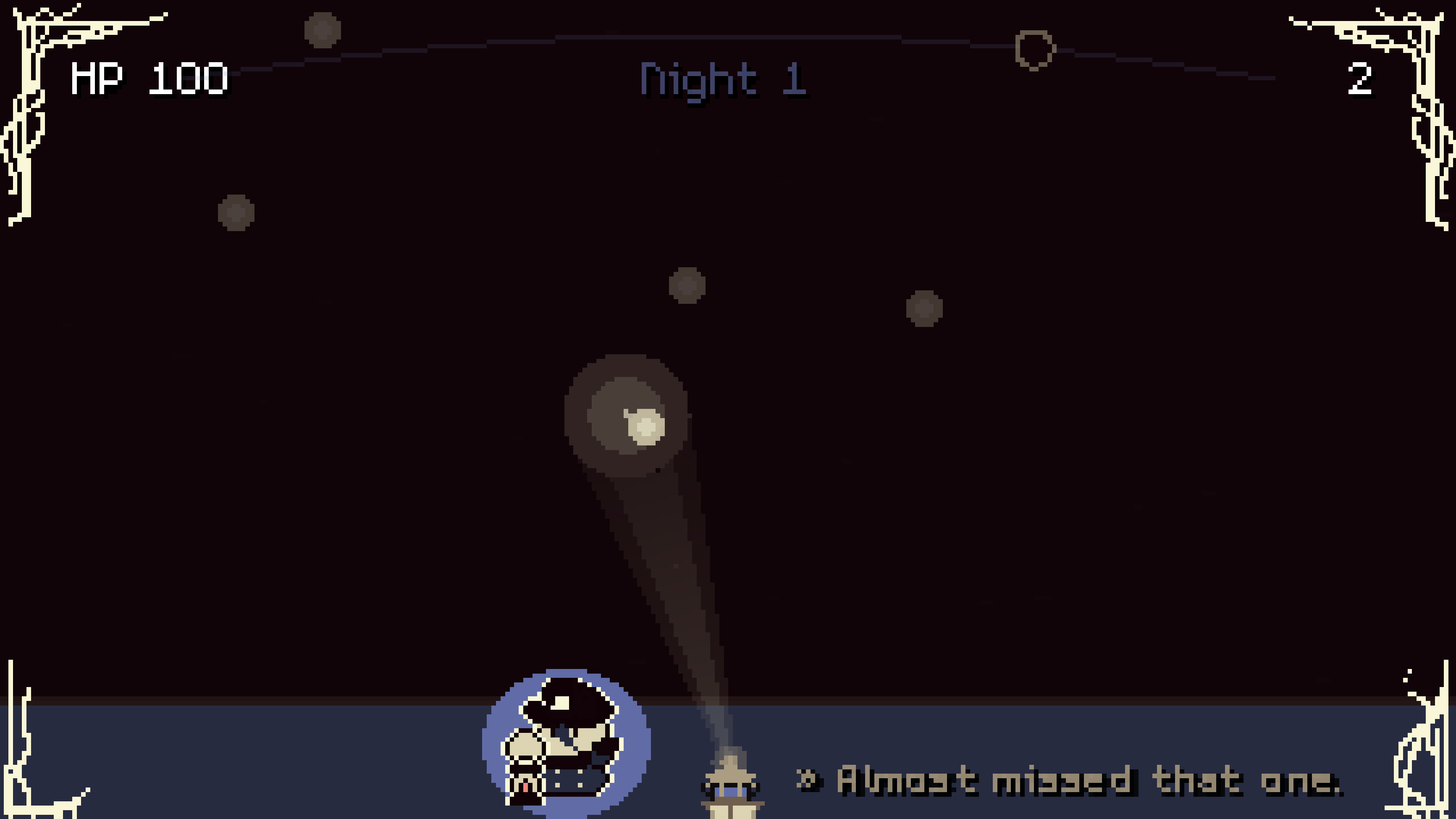
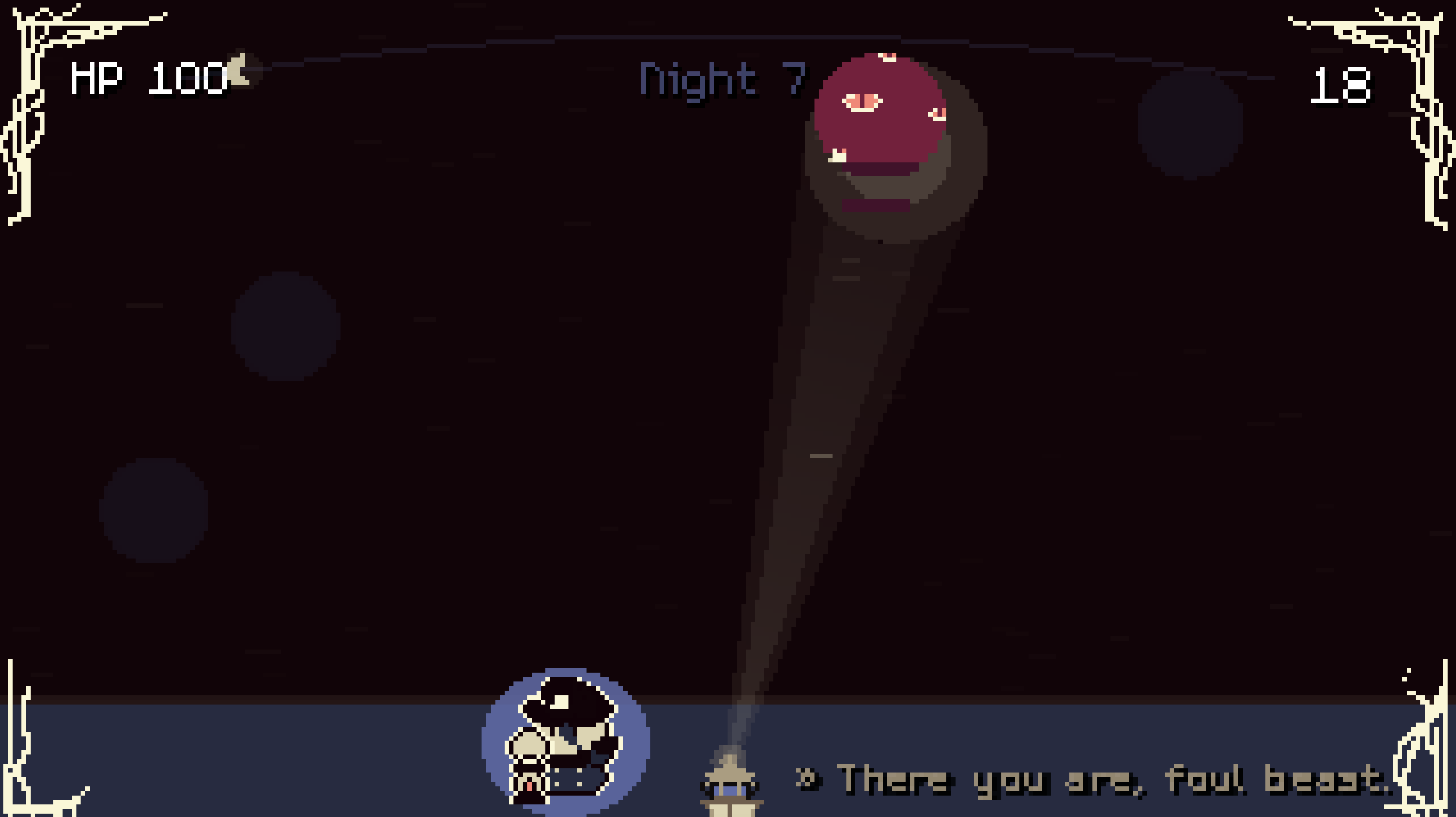
You're a lighthouse keeper. Your beam guides lost souls to shore.
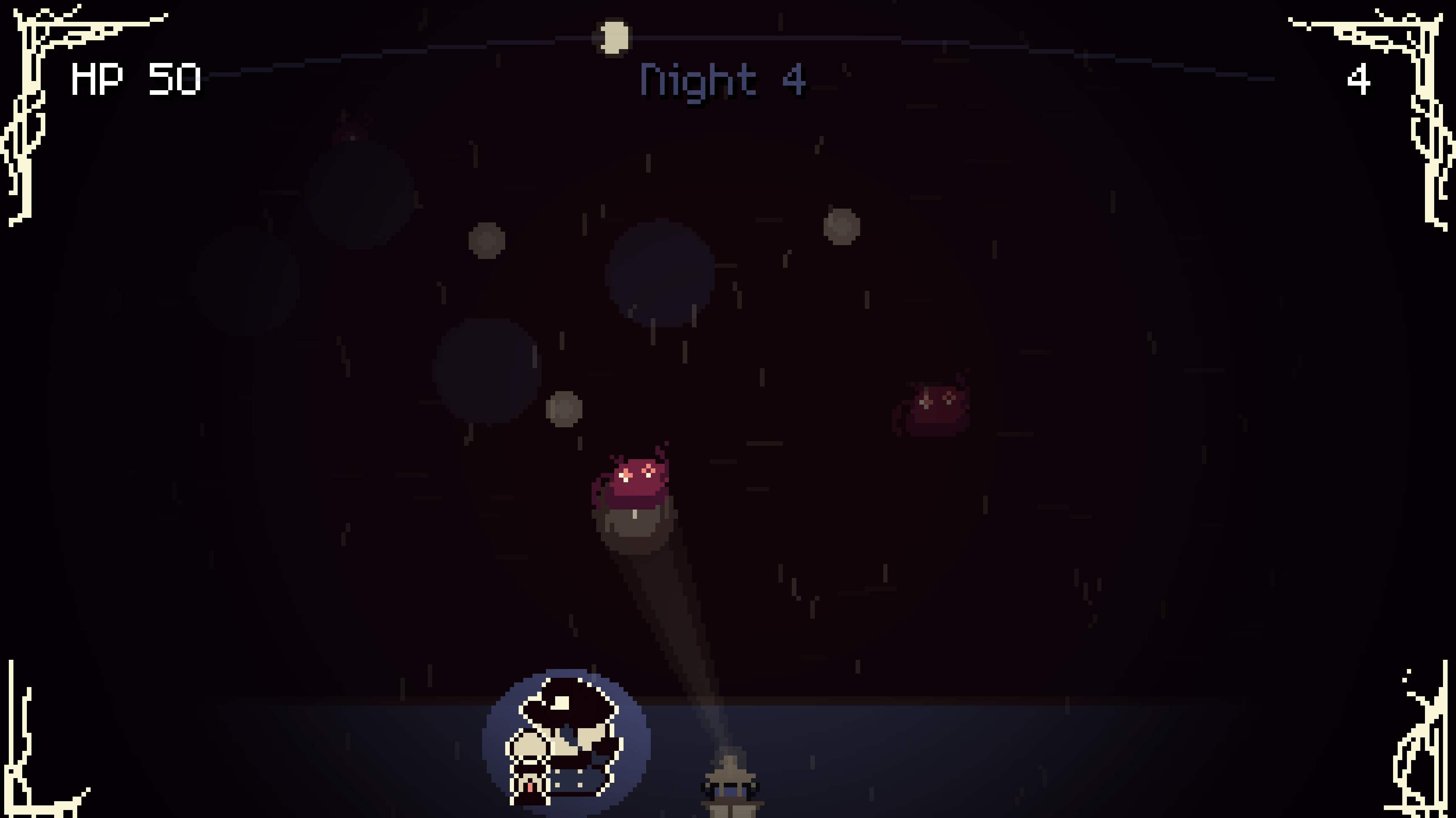
Something dark creeps toward you when the beam isn't looking.
You are the signal for these poor souls' hopes and dreams.
Move the spotlight across the dark water with WASD, mouse, or stick. The outer glow reveals souls and pushes miasmas back; the inner core guides souls home and burns miasmas away. You can only do one at a time.
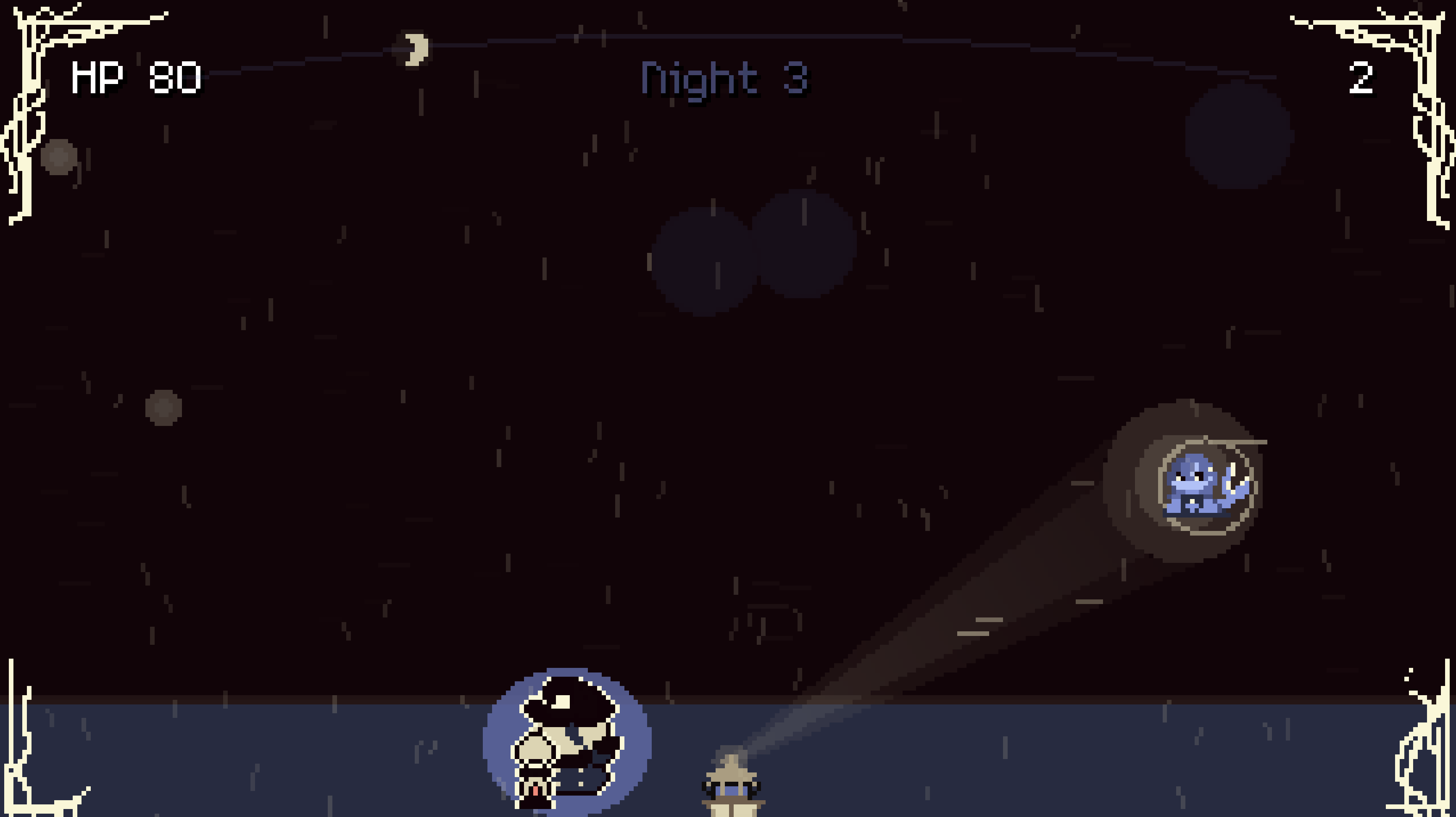
7 nights of story ending with the Abaddon boss, then Endless mode unlocks. You're not fully alone out there. Jellyfish can heal you, blue-fish scout the monsters, and a cute mermaid sings. Moon phases drive difficulty, fog shrinks visibility, rain whips the sea.
And cutting through it all: the keeper's radio. 75 recorded voice lines, reacting to every soul you save, every miasma you burn, every shift in the sea.
Built in Godot 4.6.2.
Play the desktop build if you can
Grab Windows, macOS, or Linux from the downloads below. That's the recommended way to play. The audio mix lands cleaner (no browser WebAudio quirks), your progress persists across sessions, and you sidestep the rare "WebGL context lost" crash some machines hit inside the iframe build. The web version is here for convenience and for folks who can't download, and it works, but the desktop build is noticeably nicer.
Notes on the web build
Godot 4.6.2's WebGL path is still rough around the edges. Audio processing, heavy particle bursts, and shader-masked lighting can all push a browser past what it wants to do in an iframe. On some machines/browsers the game will stutter, drop frames, lose its audio context, or crash outright ("WebGL context lost").
If you're hitting any of that, here's the order I'd try before giving up on the web build:
- Turn on hardware acceleration in your browser. Most "context lost" crashes come from the browser falling back to software rendering. In Chrome: Settings → System → make sure "Use graphics acceleration when available" is on, then restart the browser. Firefox and Safari have similar toggles under their performance/advanced settings.
- Force GPU rendering in Chrome. Open
chrome://flags, find "Override software rendering list", set it to Enabled, and restart. This pushes Chrome to use the GPU even if it thinks your driver is sketchy, which it often does incorrectly on older machines. - Close other GPU-heavy tabs. Video calls, streaming sites, and other WebGL games compete for the same context pool.
- Try a different browser. Chrome has been the most reliable in my testing; Firefox is usually fine; Safari is the most finicky with audio.
- If all of that still stutters, please grab the desktop build. It's attached to this page for Windows, macOS, and Linux, and it's the one I actually recommend if you want a smooth run. No WebGL, no audio-context drama, full persistence across sessions.
Credits
Download
Install instructions
Windows — if SmartScreen pops up on launch ("Windows protected your PC"), click More info → Run anyway. The build is unsigned — jam budget doesn't cover code-signing certificates.
macOS — first launch needs right-click → Open (or Ctrl-click → Open). Gatekeeper will refuse a plain double-click because the binary is unsigned. Same reason as Windows — unsigned jam build.
Linux — the unzipped binary may need the executable bit set: chmod +x lighthouse_vigil.x86_64. Some archive tools strip the permission during extraction.
Leave a comment
Log in with itch.io to leave a comment.